
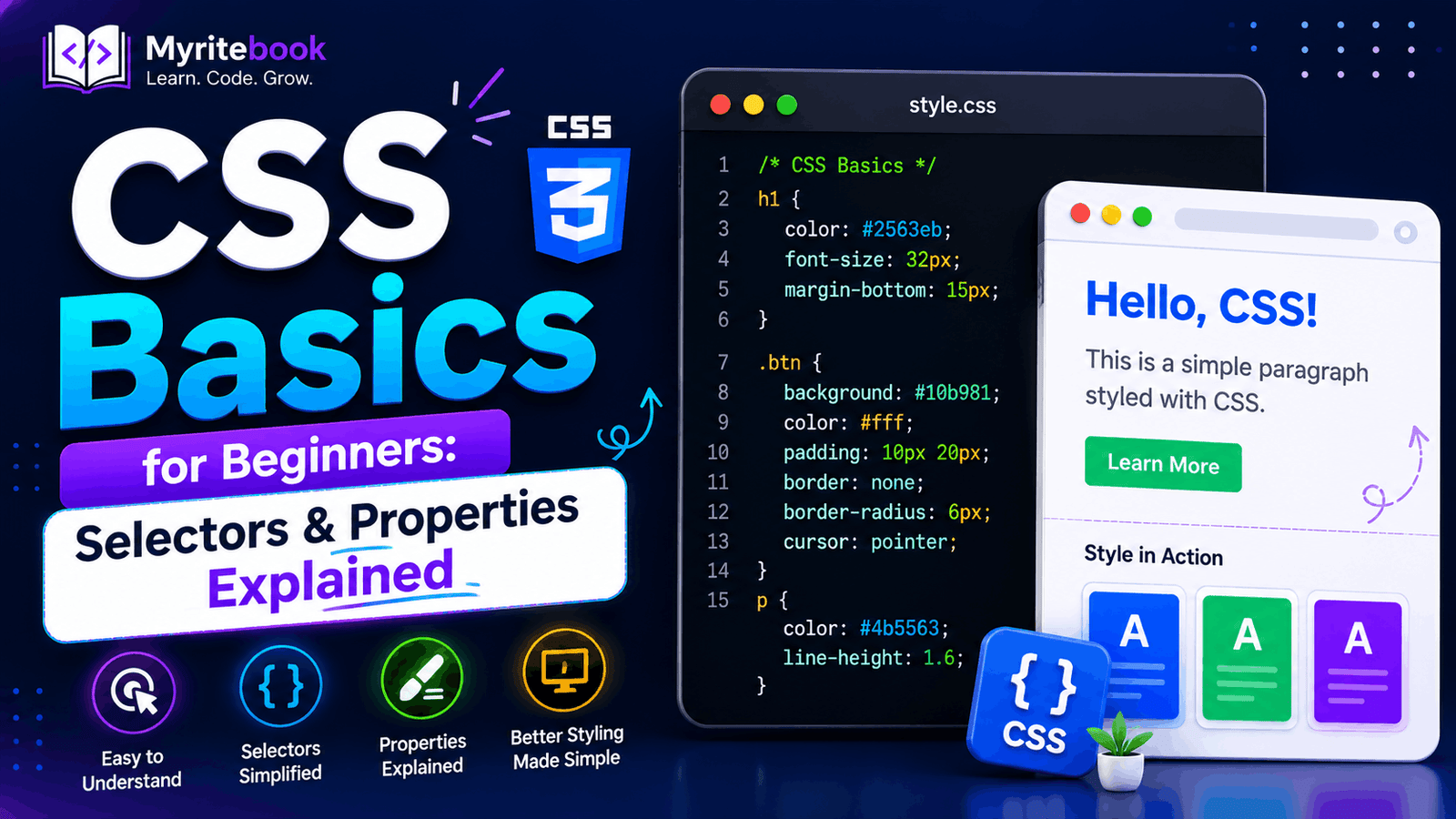
Getting started with CSS basics is one of the most important steps in learning web development. CSS (Cascading Style Sheets) controls how HTML elements appear on a webpage, allowing you to style text, colors, layouts, spacing, and much more. While HTML creates the structure of a webpage, CSS makes it visually appealing and user-friendly.
Without CSS, websites would consist only of plain text and basic elements. Modern websites rely on CSS to create responsive layouts, animations, attractive buttons, and engaging user interfaces. Whether you're building your first webpage or planning to become a frontend developer, understanding CSS selectors and properties is essential.
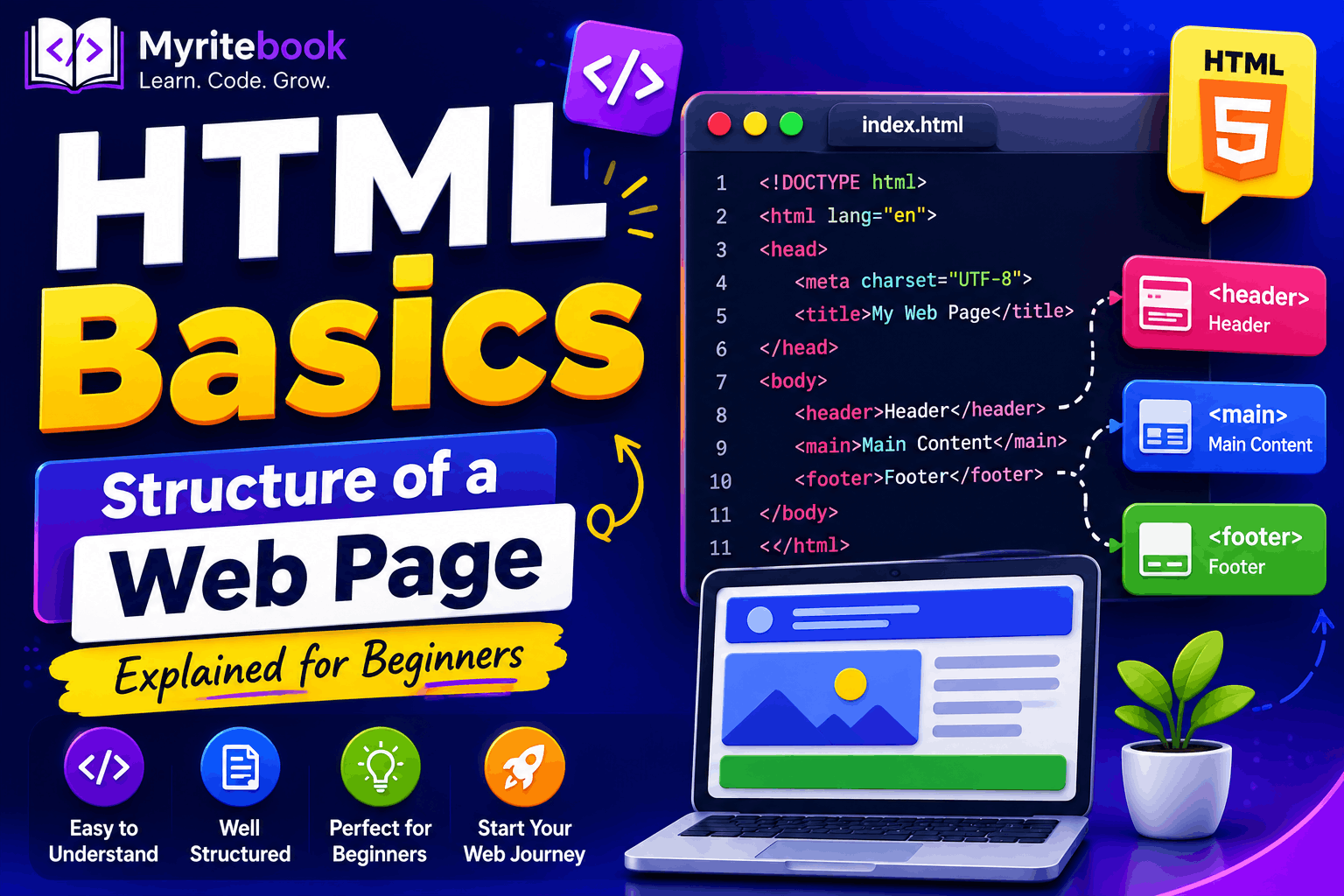
If you're new to web development, you can first read HTML Basics: Structure of a Web Page Explained for Beginners to understand how HTML and CSS work together.
What Is CSS?
CSS is a stylesheet language used to style HTML documents. It allows developers to control the appearance of webpages without changing the HTML structure.
With CSS, you can:
- Change text colors
- Add backgrounds
- Adjust fonts
- Create responsive layouts
- Style buttons and forms
- Add spacing between elements
- Build modern user interfaces
CSS separates design from content, making websites easier to maintain and update.
Why Learn CSS?
Learning CSS provides several benefits for beginners and professional developers alike.
Improve Website Appearance
CSS transforms plain HTML pages into attractive websites using colors, fonts, spacing, and layouts.
Create Responsive Designs
Using CSS, websites automatically adjust to different screen sizes, including smartphones, tablets, and desktops.
Enhance User Experience
A well-designed interface makes websites easier to navigate and more enjoyable to use.
Work with HTML and JavaScript
CSS works alongside HTML for structure and JavaScript for interactivity, forming the foundation of frontend development.
Understanding CSS Selectors
Selectors tell the browser which HTML elements should receive styling. Without selectors, CSS would not know where to apply styles.
Element Selector
Element selectors target every HTML element of a specific type.
p {
  color: blue;
}
Every paragraph on the webpage will display blue text.
Class Selector
Class selectors style elements with a specific class name.
.button {
  background-color: green;
}
Classes are reusable and can be applied to multiple elements.
ID Selector
ID selectors target a single unique element.
#header {
  font-size: 24px;
}
IDs should only be used once on a webpage.
Attribute Selector
Attribute selectors target elements based on their attributes.
input[type="text"] {
  border: 2px solid #ccc;
}
This applies styling only to text input fields.
Pseudo-class Selector
Pseudo-classes style elements in special states.
a:hover {
  color: red;
}
The link changes color when users move the mouse over it.
Why Selectors Matter
Selectors help developers:
- Apply styles efficiently
- Target specific elements
- Avoid repeating CSS code
- Create organized stylesheets
- Improve maintainability
Learning selectors is one of the most important CSS skills because every style begins with selecting an element.
Understanding CSS Properties
Properties define how selected elements should appear.
Each property controls a specific visual aspect of an element.
Some of the most commonly used CSS properties include:
colorbackground-colorfont-sizefont-familymarginpaddingborderwidthheighttext-align
Example
h1 {
  color: red;
  font-size: 30px;
  text-align: center;
}
This changes the heading color, font size, and alignment.
Combining Selectors and Properties
CSS works by combining selectors with one or more properties.
Example:
.box {
  width: 200px;
  height: 100px;
  background-color: lightblue;
}
Here:
.boxis the selector.- The styling rules inside the braces are properties.
This creates a styled box with a fixed width, height, and background color.
Combining Multiple Selectors
CSS also allows you to combine selectors for more precise styling.
Descendant Selector
div p {
  color: red;
}
Styles all paragraphs inside a <div>.
Child Selector
div > p {
  color: blue;
}
Styles only direct child paragraphs.
Group Selector
h1,
h2,
h3 {
  font-family: Arial, sans-serif;
}
Grouping selectors reduces duplicate code and keeps stylesheets cleaner.
Practical Example
HTML:
<button class="btn">Click Me</button>CSS:
.btn {
  background-color: blue;
  color: white;
  padding: 10px 20px;
  border: none;
  border-radius: 5px;
  cursor: pointer;
}

.btn:hover {
  background-color: darkblue;
}
This creates a modern button with a hover effect that improves user interaction.
Common Mistakes Beginners Make
When learning CSS, beginners often make similar mistakes.
Some of the most common include:
- Forgetting semicolons after properties
- Using incorrect selectors
- Overusing ID selectors instead of classes
- Forgetting units such as
pxor% - Writing overly complex selectors
- Using too many inline styles
- Repeating the same CSS unnecessarily
Recognizing these mistakes early helps you write cleaner and more efficient code.
Best Practices for Writing CSS
Following best practices makes your code easier to understand and maintain.
Some useful recommendations include:
- Use meaningful class names
- Keep styles organized
- Write reusable CSS
- Use comments when necessary
- Avoid duplicate code
- Use CSS variables for repeated values
- Validate your CSS regularly
- Keep selectors simple
If you want to write cleaner and more maintainable stylesheets, you can also explore CSS Variables Explained: Complete Beginner Guide.
Tips for Learning CSS Faster
Learning CSS becomes easier through consistent practice.
Here are a few tips:
- Build small websites
- Practice different layouts
- Experiment with colors and fonts
- Use browser Developer Tools
- Recreate existing website designs
- Learn by modifying examples
- Build real-world projects regularly
The more you practice, the more comfortable you'll become with CSS.
What to Learn After CSS Basics
Once you understand selectors and properties, you can continue learning advanced CSS topics such as:
- CSS Box Model
- CSS Flexbox
- CSS Grid Layout
- CSS Position
- CSS Media Queries
- CSS Animations
- CSS Variables
For responsive website layouts, you can also read CSS Media Queries for Responsive Design. If you want to create modern layouts, explore CSS Grid Layout: Beginner to Advanced Guide.
Conclusion
Mastering CSS basics is the foundation of modern web design. By understanding selectors and properties, you can transform simple HTML pages into attractive, responsive, and user-friendly websites. CSS not only improves appearance but also enhances usability and accessibility across different devices.
As you continue practicing, you'll discover more advanced features like Flexbox, Grid, animations, and custom properties that make web development even more powerful. Start with the basics, build small projects, and gradually challenge yourself with more complex designs. With consistent practice, you'll develop the skills needed to create professional-quality websites and become a confident frontend developer.
Comments (0)
No comments yet. Be the first to comment!
Leave a Comment